
Change The Style AI Templates
Browse 19 Change The Style templates on Floniks. Pick a template, upload your photo, and the AI applies the styling, lighting and composition for you — no prompt writing and no design software.
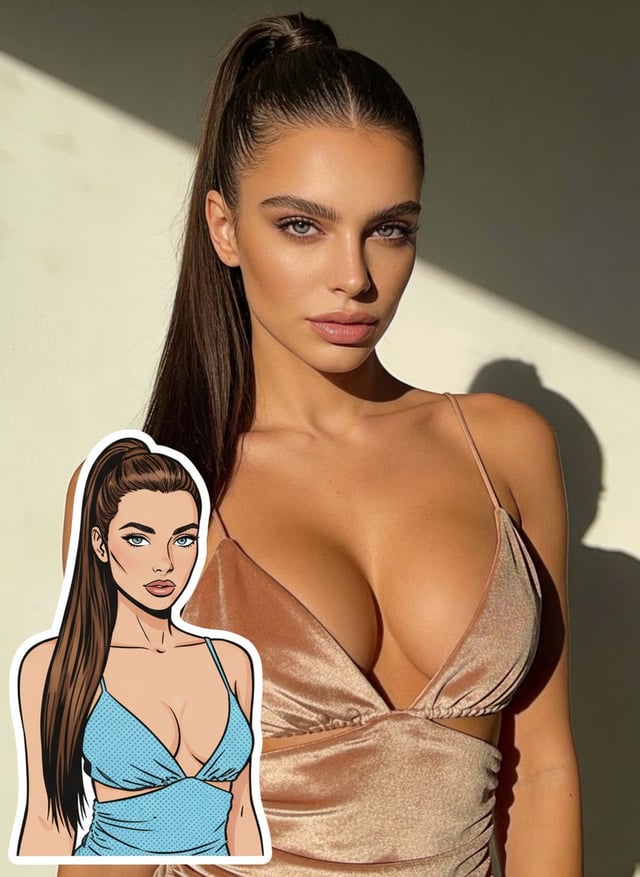
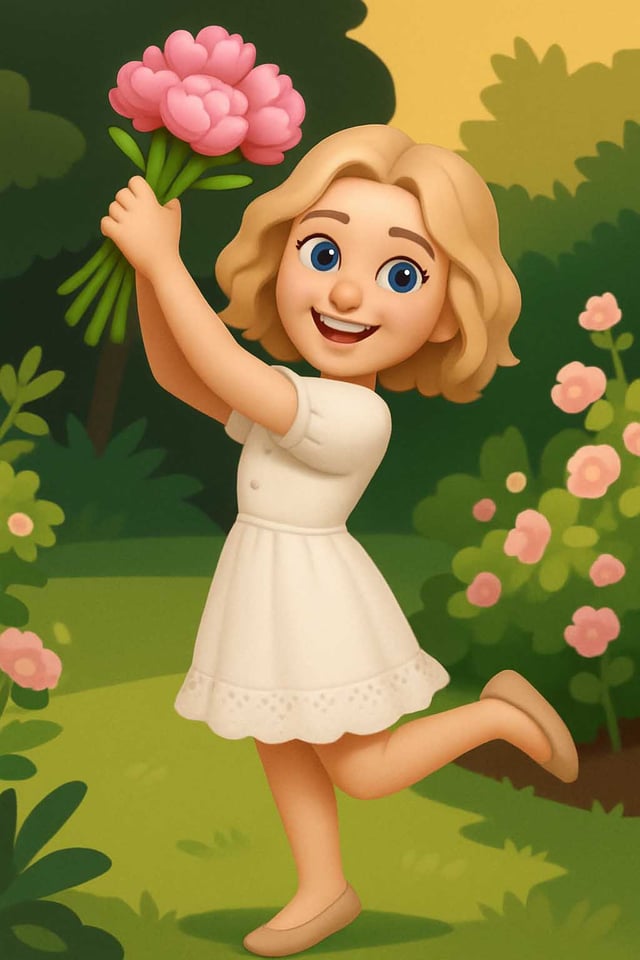
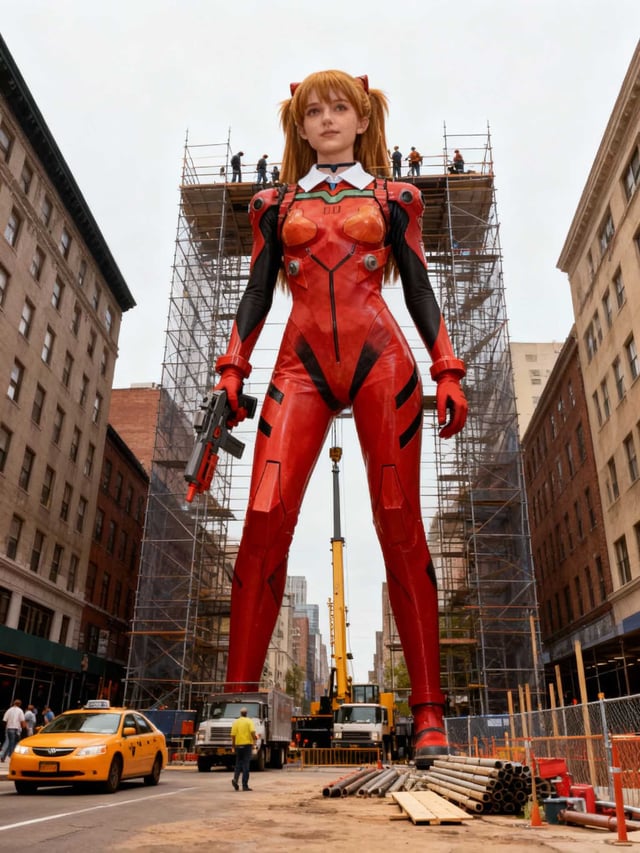
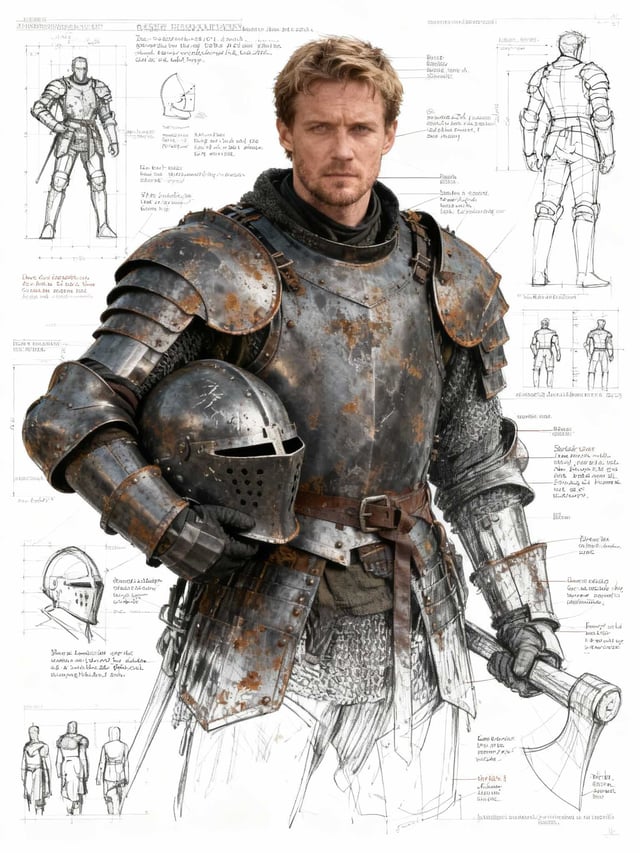
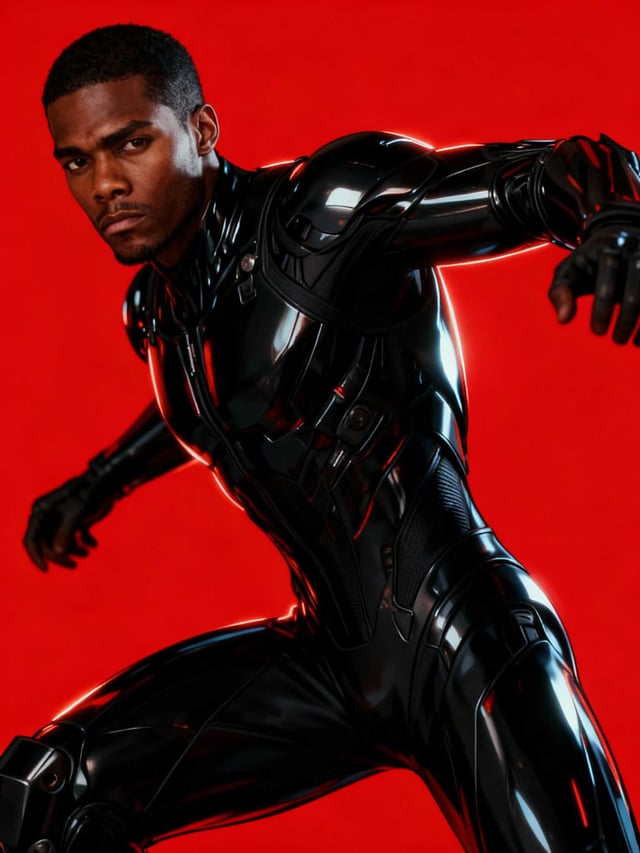
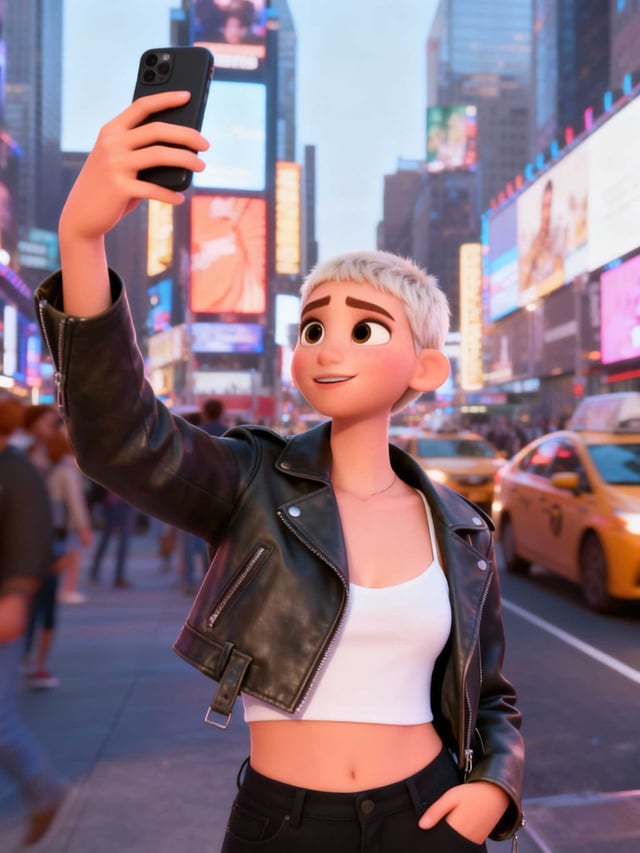
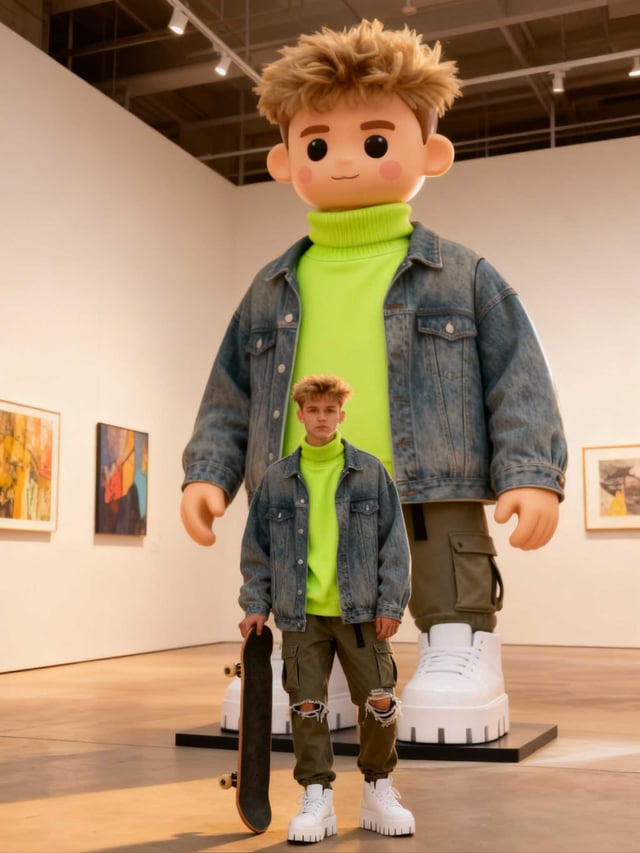
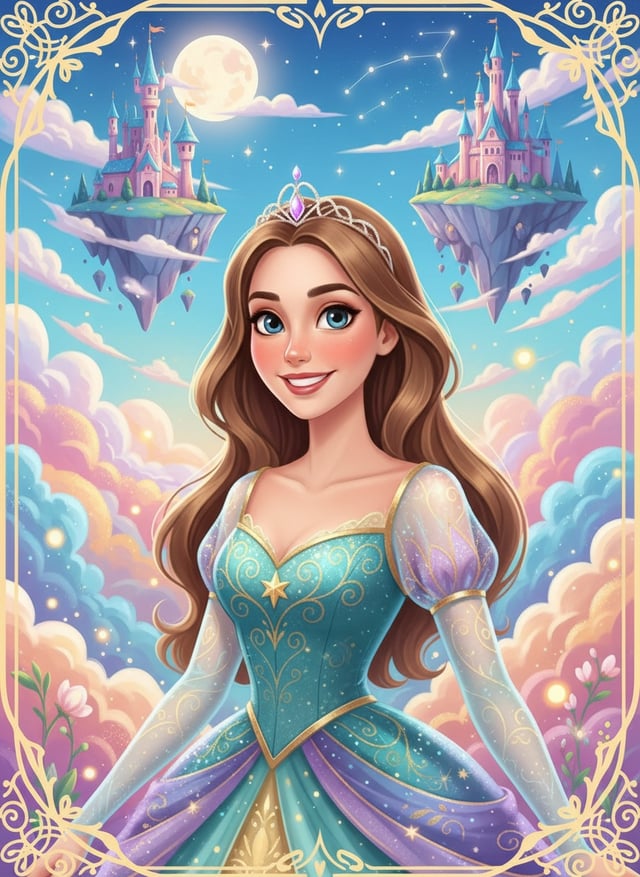
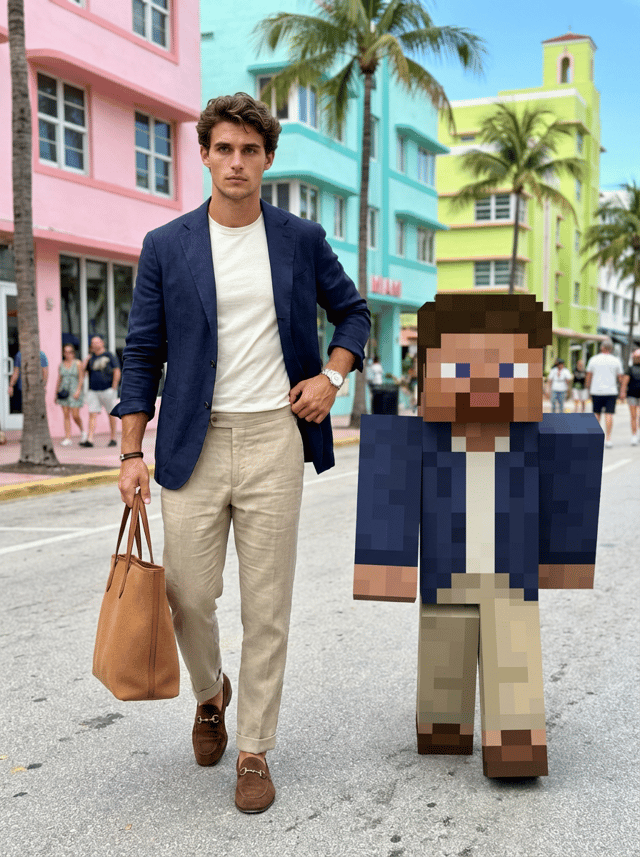
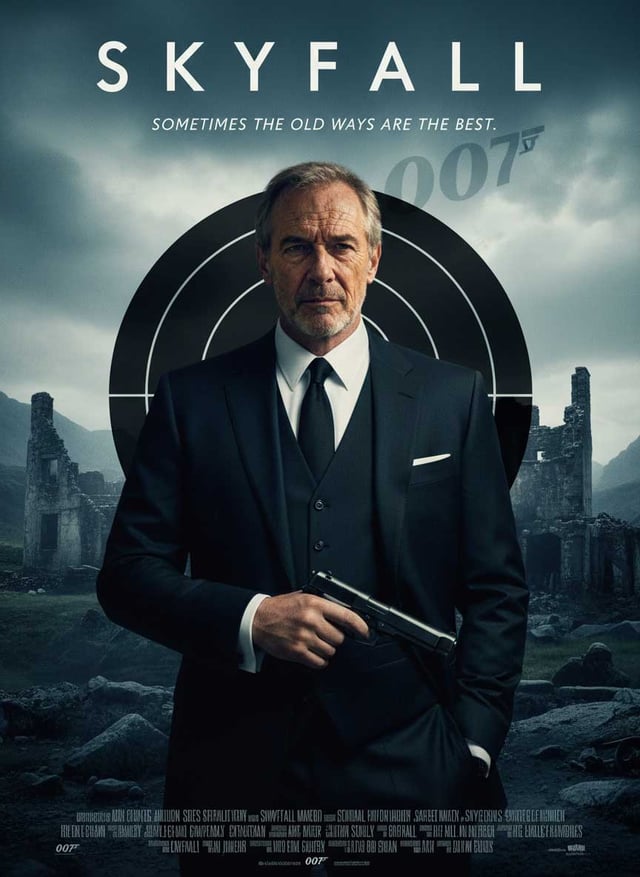
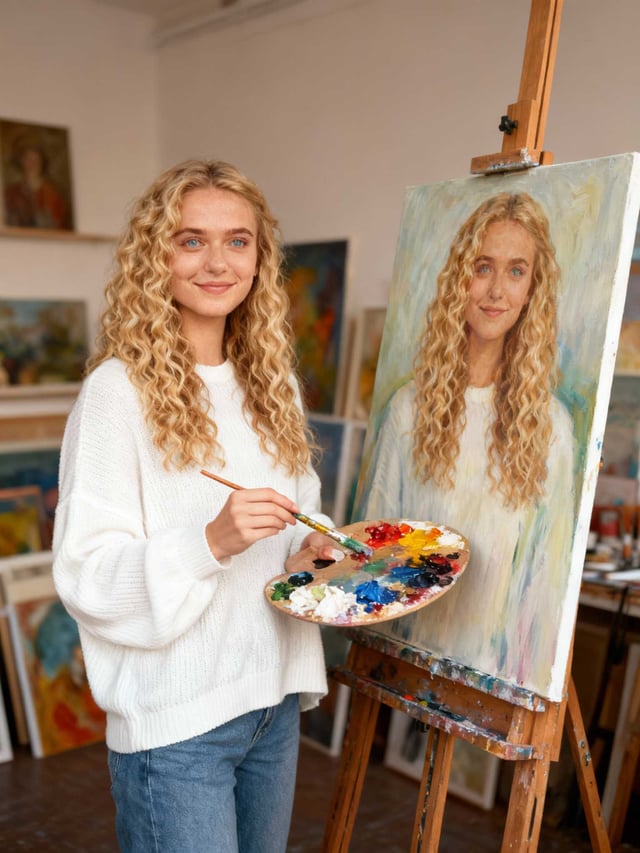
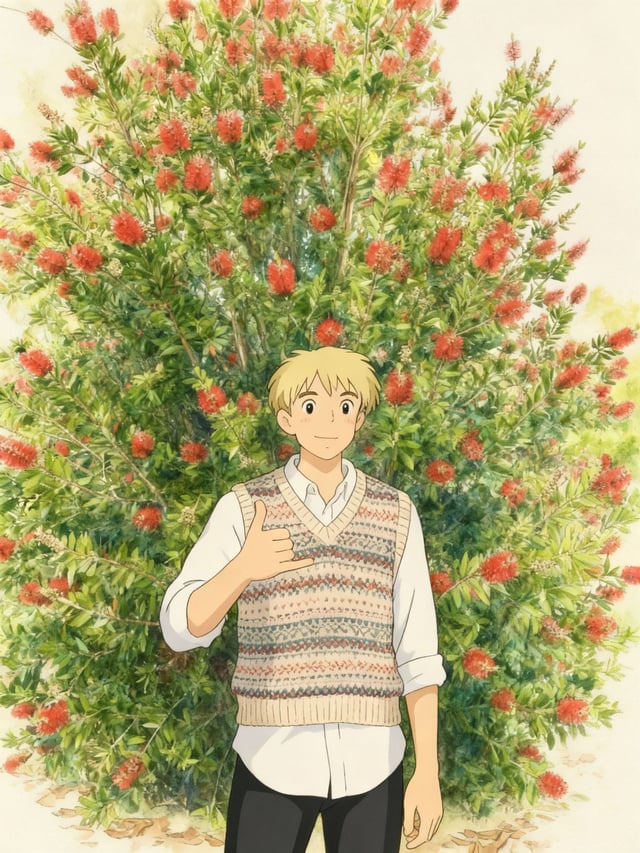
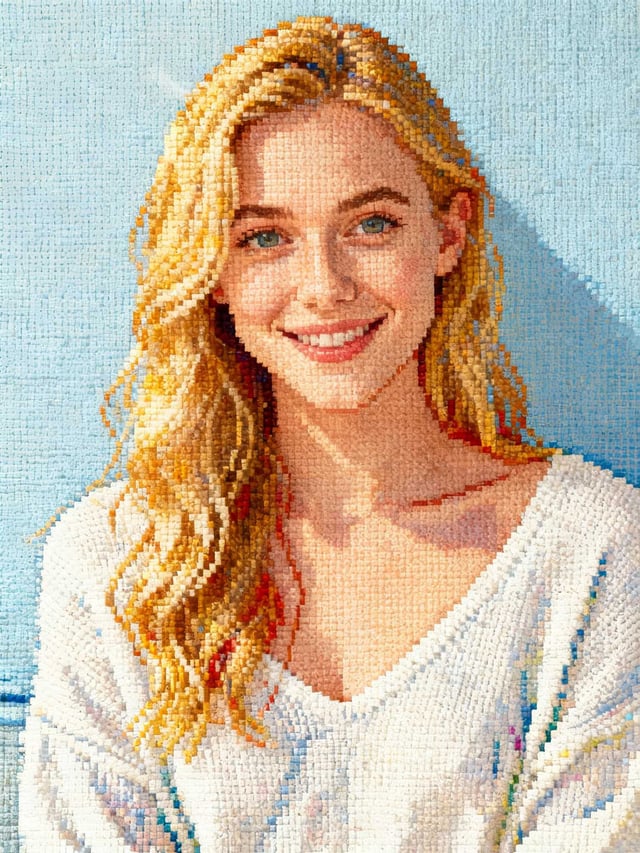
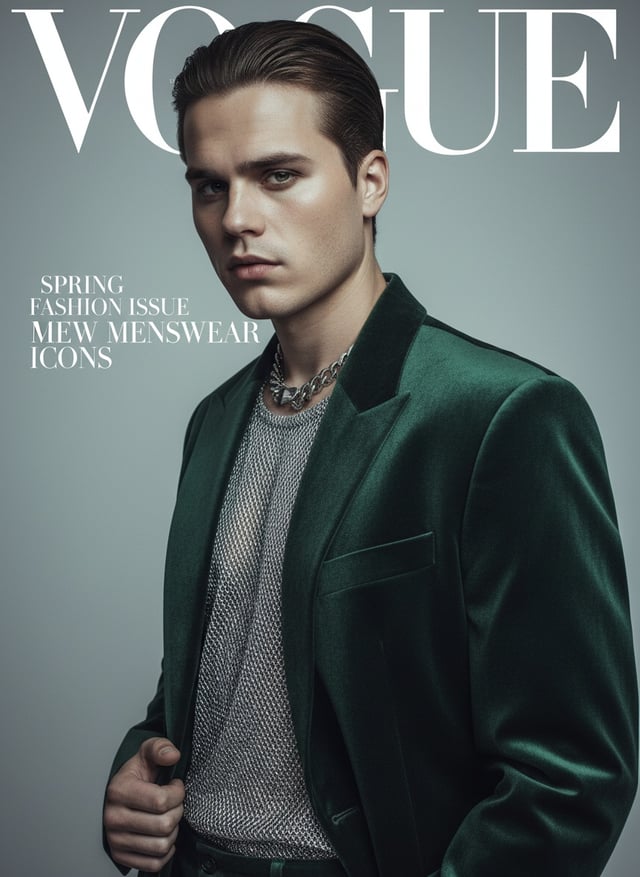
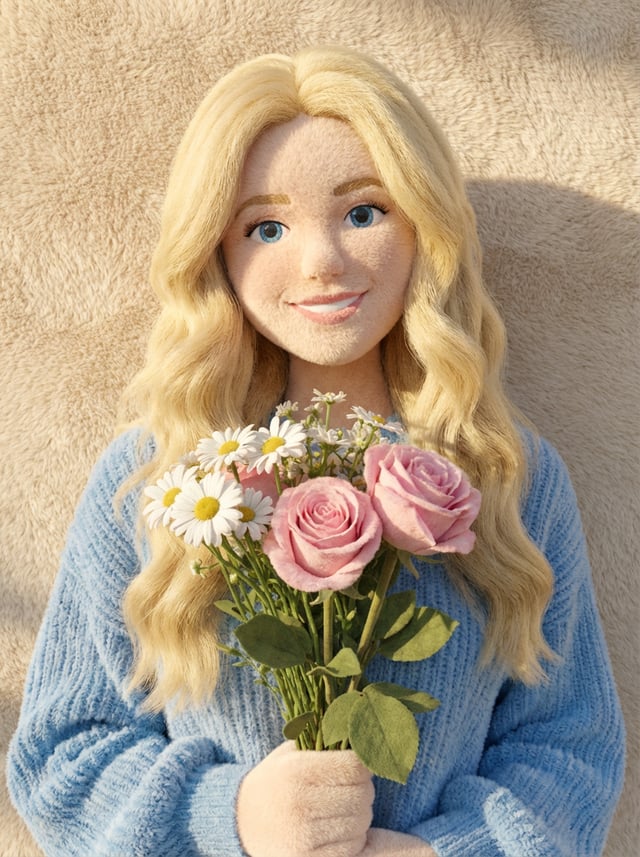
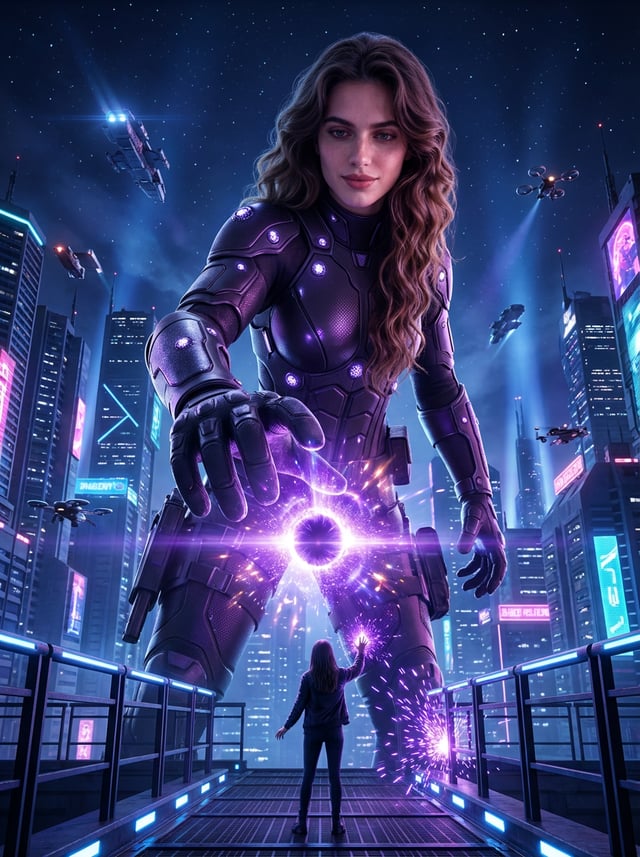
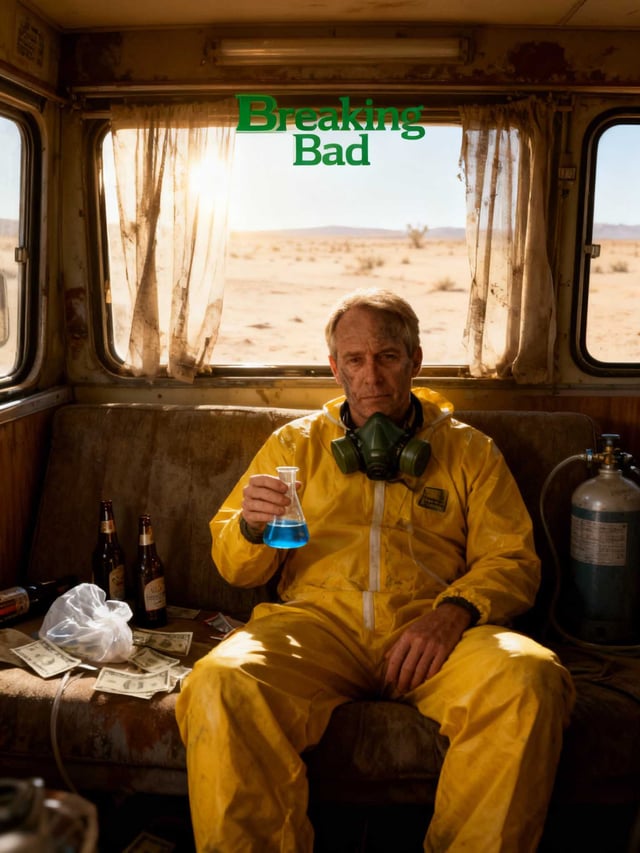
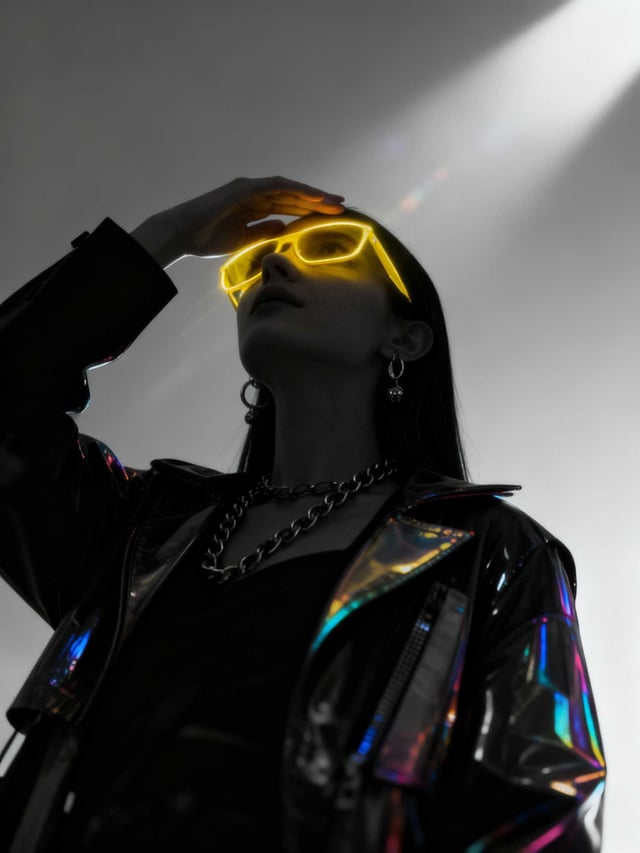
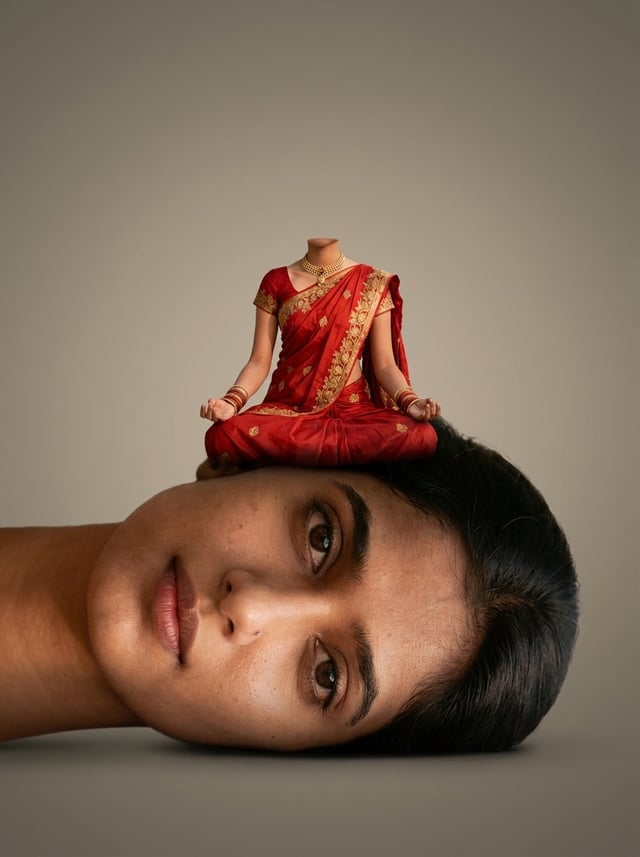
Change The Style AI templates — frequently asked questions
- How do I make Change The Style images with AI?
- Open any Change The Style template on this page, upload the photo you want to transform, and run it. The template already carries the prompt and model settings, so you do not write anything yourself.
- Do I need to write a prompt to use these Change The Style templates?
- No. Every template here ships with a tested prompt and a pre-selected model. If you would rather control the prompt yourself, use the AI Image tool or build your own pipeline in the workflow editor.
- How many Change The Style templates are available?
- There are currently 19 Change The Style templates in this category, and new ones are added as they are published.
- Who owns the Change The Style images I generate?
- You do. Under the Floniks Terms of Service you own the outputs you generate with the Service, subject to those terms and your compliance with them.
Make your own Change The Style images
Browse other template categories
- Hot
- Photo Dance
- Work Comic
- Loved Ones
- B&W couple photos
- Fun Together
- Birthday Memory
- Prank
- Photostrip
- Birthday Portraits
- Spring Reverie
- AI Hair
- Film Hub
- Perfect Life
- Halloween
- Stick Your Stickers
- Tiny Heroes
- LinkedIn Photo
- Photograph Studio
- Victoria's Secret
- Glam Portraits
- Dashing Portrait
- Cupid's Heart
- Casual Vibe
- Al Outfit
- FanPic
- Around The World
- Pets World
- Show Your Cards
- Dynamic Portrait
- Warm Tones
- Pic2Life
- Fantasy Transformation
- FitToday
- Cos Play
- Sports
- Music Album
- Cinema
- FantasyShift
- Avatar
- Flora & Gifts
- Monochrome portraits
- Gifts
- Angel Series
- Pink Barbie
- Warm moments
- Back to the 90's
© 2026 Floniks. All rights reserved.