
Everyone has a song they'd love to sing. Maybe it's a classic you've hummed in the shower for years, or a current hit that just hits differently when you imagine your own voice on it. Until recently, making that a reality meant hiring a studio, training for months, or settling for a karaoke track that sounds nothing like you. AI Cover on Floniks changes that.
Quick answer: Go to AI Cover, upload the song you want to cover, add a short voice sample (30 seconds is plenty), hit generate, and listen back. Floniks uses state-of-the-art voice conversion AI to transplant the song's melody and lyrics into your voice — no studio, no training, no pitch correction needed.
What AI Cover actually does
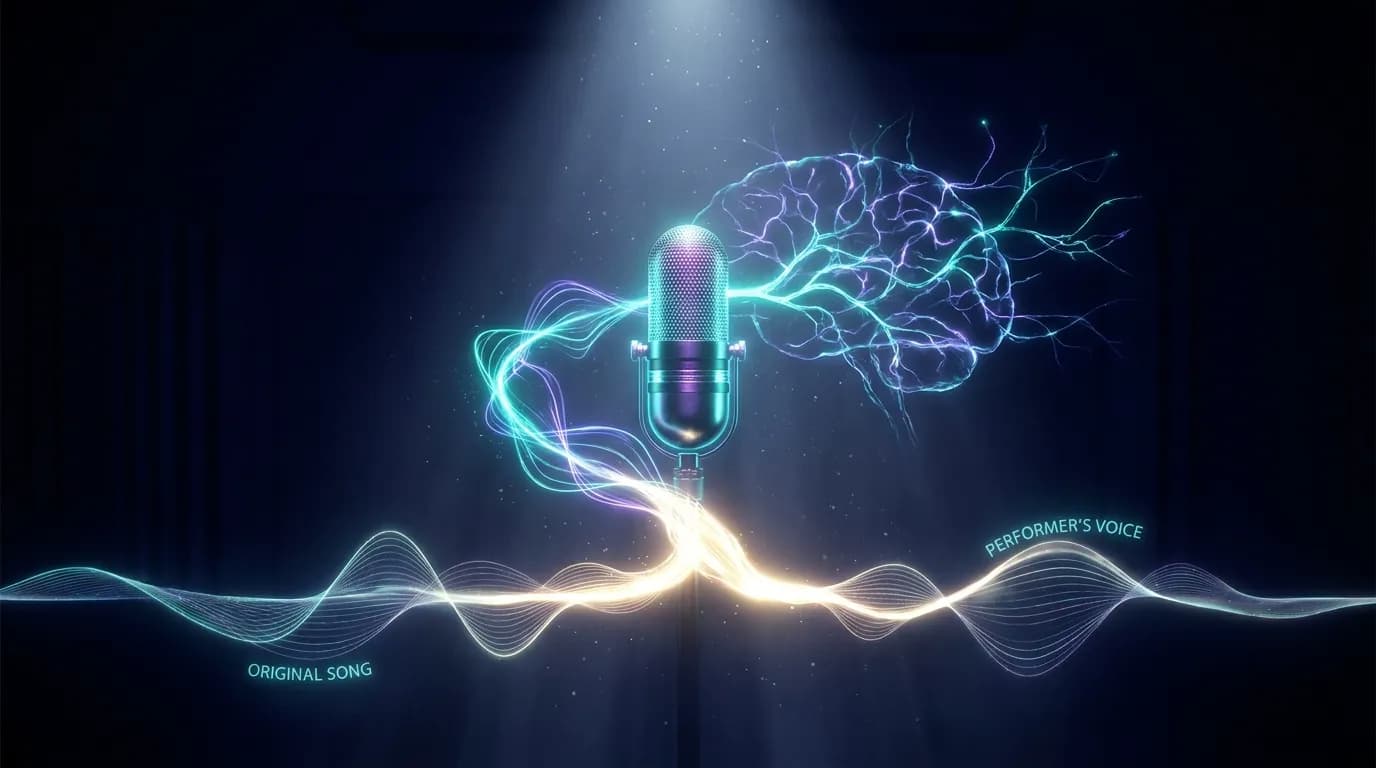
Voice conversion is not the same as auto-tune. Auto-tune pushes a performance toward pitch — it still sounds like you when you're off-key, just less so. Voice conversion does something more radical: it takes the source audio (the song), extracts the vocal performance — melody, timing, phrasing, emotion — and re-renders that performance through the tonal characteristics of a target voice (yours).
The result is the same song, performed with the same feeling, but in a voice that matches your unique vocal fingerprint. Think of it as a voice transplant for music, not a correction.
This is why a short voice sample is all you need. The AI isn't teaching itself to sing like you — it's extracting the acoustic model of your voice from a sample and applying it as a filter during conversion. Longer samples give the model more data, but even a clean 30-second clip produces recognizable results.
Two modes on the same page
AI Cover opens with two tabs, and they do different things:
- Sing a new song (the default) — no song file needed at all. Add a voice sample, write lyrics or simply describe the song you want, and Floniks writes and performs a brand-new track in your voice.
- Cover a song — the flow described in this article: bring an existing track, and the AI re-renders its vocal in your voice.
If you came here for covers, switch to the second tab. If you have no audio files at hand, start with the first — there is a one-click sample on the page that loads a demo voice and example lyrics, so you can hear a result before preparing anything.
Getting started: the three steps
The AI Cover page breaks the process into three clear sections.
1. Upload a song
Drop or select any audio file — MP3, WAV, AAC, and most other common formats work. The AI processes the full track, so you can use the studio version, a live recording, or even a rough demo. The only hard limit is duration (very long files take proportionally longer to process).
If you have a specific section in mind — say, only the chorus — trim the file before uploading. The converter will work on whatever audio you give it.
2. Add your voice sample
This is the part that makes the cover yours. You have two options:
- Upload a sample — any recording where you're speaking or singing clearly. A voice memo, a previous recording, even a short video clip all work. The cleaner the audio (less background noise), the better the result.
- Record now — hit the microphone button and record a clip directly in the browser. No extra software needed.
What makes a good voice sample? A few seconds of sustained singing or clear speaking, minimal echo, and no overlapping music. You don't need to sing the same song or even be in key — the AI is extracting your vocal character, not mimicking a specific performance.
3. Auto pitch matching
By default, Auto Pitch Matching is on. This tells the AI to automatically shift the converted vocal to stay in the correct key for the song, compensating for natural differences between your vocal range and the original artist's. Leave it on unless you have a specific reason to want an unshifted conversion (for example, if you're experimenting with dramatic range transpositions).
What happens after you hit generate
Once you submit, Floniks runs a multi-step pipeline that you can follow in real time:
- Task created — your files are received and queued
- Credit deduction — credits are reserved for the generation
- Voice converting — the core AI model processes the source vocals and applies your voice model
- Upload result — the converted audio is stored securely on Cloudflare R2
- Completed — your cover is ready to play and download
The voice conversion step is where the heavy lifting happens. Floniks runs it on a dedicated Replicate-hosted model, and the whole pipeline is asynchronous — once the task is accepted you can leave the page and come back for the result.
Rights, consent, and responsible use
Before submitting, you'll check a box confirming that you have the rights to use the song you're uploading and that the voice sample you're providing is your own (or that you have explicit permission from the voice owner). This is not just a legal formality.
Voice conversion is a powerful capability. Floniks is designed for creative self-expression — singing songs in your own voice, experimenting with sound, making demos. Using it to clone someone else's voice without consent, or to create deceptive audio, violates the terms and misses the point. The best results come from your own voice anyway: the more the source voice sample is genuinely yours, the more the output feels authentically personal.
Tips for the best covers
Use a high-quality source track. Voice conversion works on the vocal channel. A muddy, compressed original leads to a muddy converted vocal. Lossless or high-bitrate MP3 sources produce noticeably cleaner output.
Keep your sample background-noise-free. The AI is trying to model the acoustic signature of your voice, not ambient room tone. Record in a quiet space, or use a clip from a previous clean recording.
Try a few different sample clips. If one recording doesn't capture your voice the way you'd like, try another. Different clips — sustained singing, spoken words, different vowels — can yield subtly different results.
Auto pitch matching is your friend. Most people's comfortable singing range doesn't exactly match the original artist's. Leave auto pitch matching on and the converted result will land in the right key even if your natural voice sits a third lower or higher than the source.
Check the result before trimming. The full output often has a few seconds of artifact at the very beginning or end while the model "settles into" the vocal. Listen through and trim if needed before sharing.
Frequently Asked Questions
I don't have a song file. Can I still use this?
Yes. The "Sing a new song" tab does not need a song file. Add a voice sample, write lyrics or describe the song, and Floniks generates a brand-new track in your voice. The page also has a one-click sample that loads a demo voice and example lyrics.
What happens if I run out of credits?
The page tells you before the generation starts and shows the current credit packs. Credits are only deducted once a generation is accepted, and they are refunded automatically if it fails.
Do I need to be a good singer to use AI Cover?
No. The AI is applying your vocal characteristics to a pre-existing performance — it's converting the song's melody and delivery into your voice, not recording a new vocal performance from you. Your singing ability doesn't factor into the output quality. A clear speaking voice in the sample is enough to get a convincing result.
How long does the voice sample need to be?
30 seconds of clean audio is sufficient for the AI to extract a usable voice model. Longer samples (1–2 minutes) can improve accuracy, especially if they include varied pitch and vowel sounds. Very short samples (under 10 seconds) may produce inconsistent results.
Can I use a voice sample of someone else — a friend, a singer I like?
Only if you have explicit written permission from that person. The consent checkbox at submission requires you to confirm this. Cloning voices without consent is not permitted and violates Floniks' terms of service.
What audio formats are supported for the song upload?
MP3, WAV, AAC, M4A, FLAC, and OGG are all supported. The file is re-encoded during processing, so the output format will be MP3 regardless of what you uploaded.
The result sounds robotic. What should I try?
Try a longer or cleaner voice sample, and turn on Auto Pitch Matching if it was off. Also check the quality of the source track — a highly compressed or low-bitrate MP3 can produce artifacts in the converted output that sound mechanical. A higher-quality source almost always gives a smoother result.
How many credits does a voice cover cost?
Credits are displayed on the AI Cover page before you submit. The cost is fixed per generation and does not depend on the length of the song. Credits are automatically refunded if the generation fails.
Can I use the output commercially?
The copyright situation for AI-covered songs is evolving. As a general rule: you own the voice model contribution, but the underlying song's composition and production are still subject to the original copyright holder's rights. Check the license of the source material before any commercial use.
Try it now
Open AI Cover. If you have nothing prepared, use the one-click sample on the page — it loads a demo voice and example lyrics, and you hear a result in about two minutes.
Generations are billed in credits, and the exact cost is shown on the page before you submit. Current credit packs and subscription tiers are on the pricing page.