
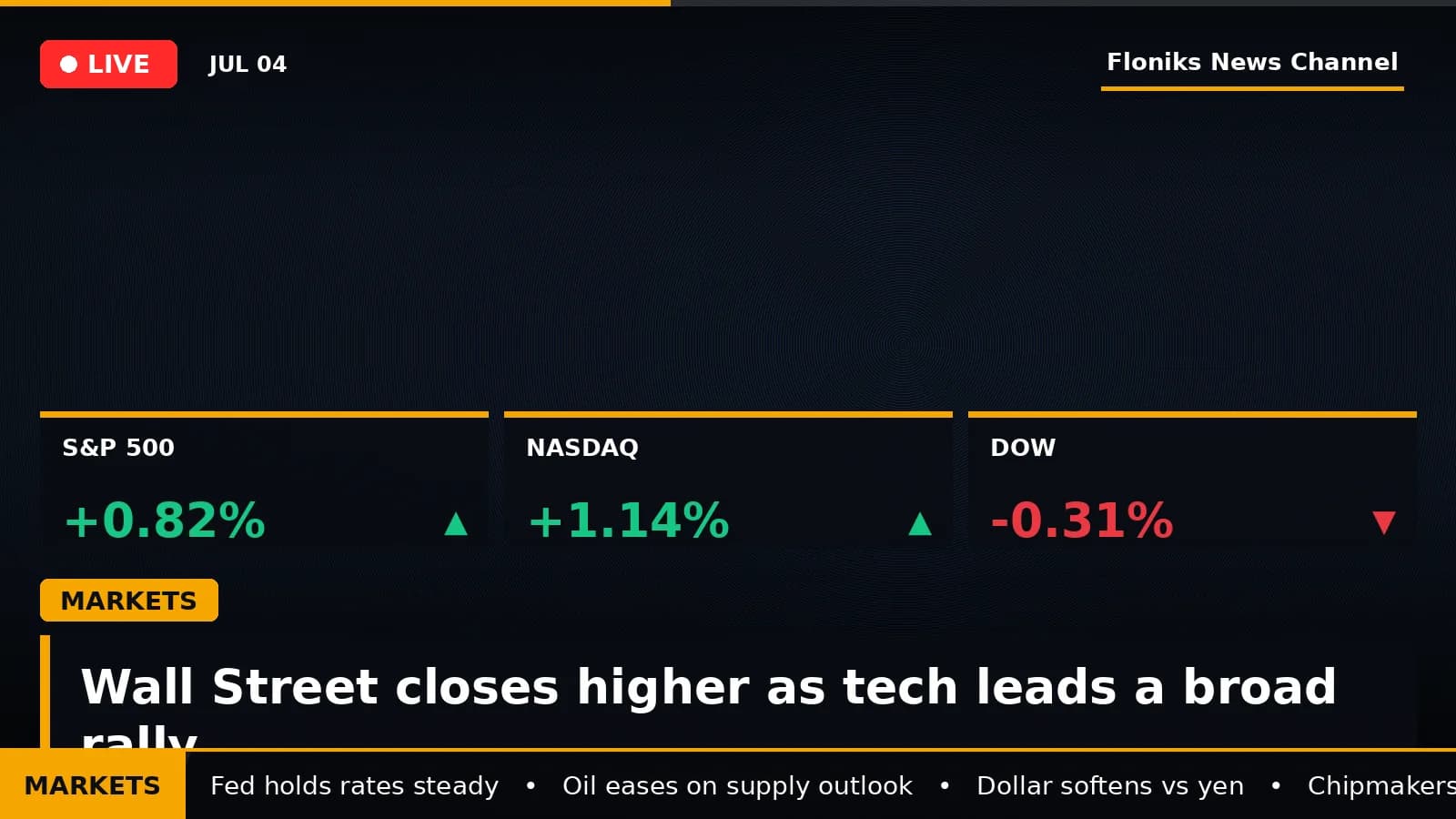
Type a news topic. Get a broadcast-style video.
A news story travels as a screenshot or a wall of text — accurate, forgettable, and impossible to post to a feed that rewards video. News Video Studio on Floniks closes that gap: type a topic, and it researches the real facts, writes an anchor script, voices it with an AI anchor — male or female, in the language you pick — scores it, illustrates it, and renders it as a vertical, broadcast-grade news short — the kind of clip a channel like Bloomberg, CNN, or BBC would run — in a few minutes.
You don't touch a timeline. You give it a topic, a domain, and a length; a pipeline of AI steps does the reporting, the voice, the graphics, and the final cut, and hands you a finished MP4 with its sources attached.
Quick answer: To make a news video, open News Video Studio, type a topic (like Today's US stock market recap), pick a domain — Finance, Sports, or General — choose portrait 9:16 or landscape 16:9 and a length, then hit Generate. It runs in the background: Floniks researches sourced facts, writes an anchor script, generates the voice-over — a male or female AI anchor in your chosen language — plus background music, paints the scene visuals at the quality tier you pick, and renders a broadcast-style news clip — lower-third headlines, live data bars, a scrolling ticker, and your channel bug — in a few minutes. Every finished clip also gets a public share page you can post anywhere.
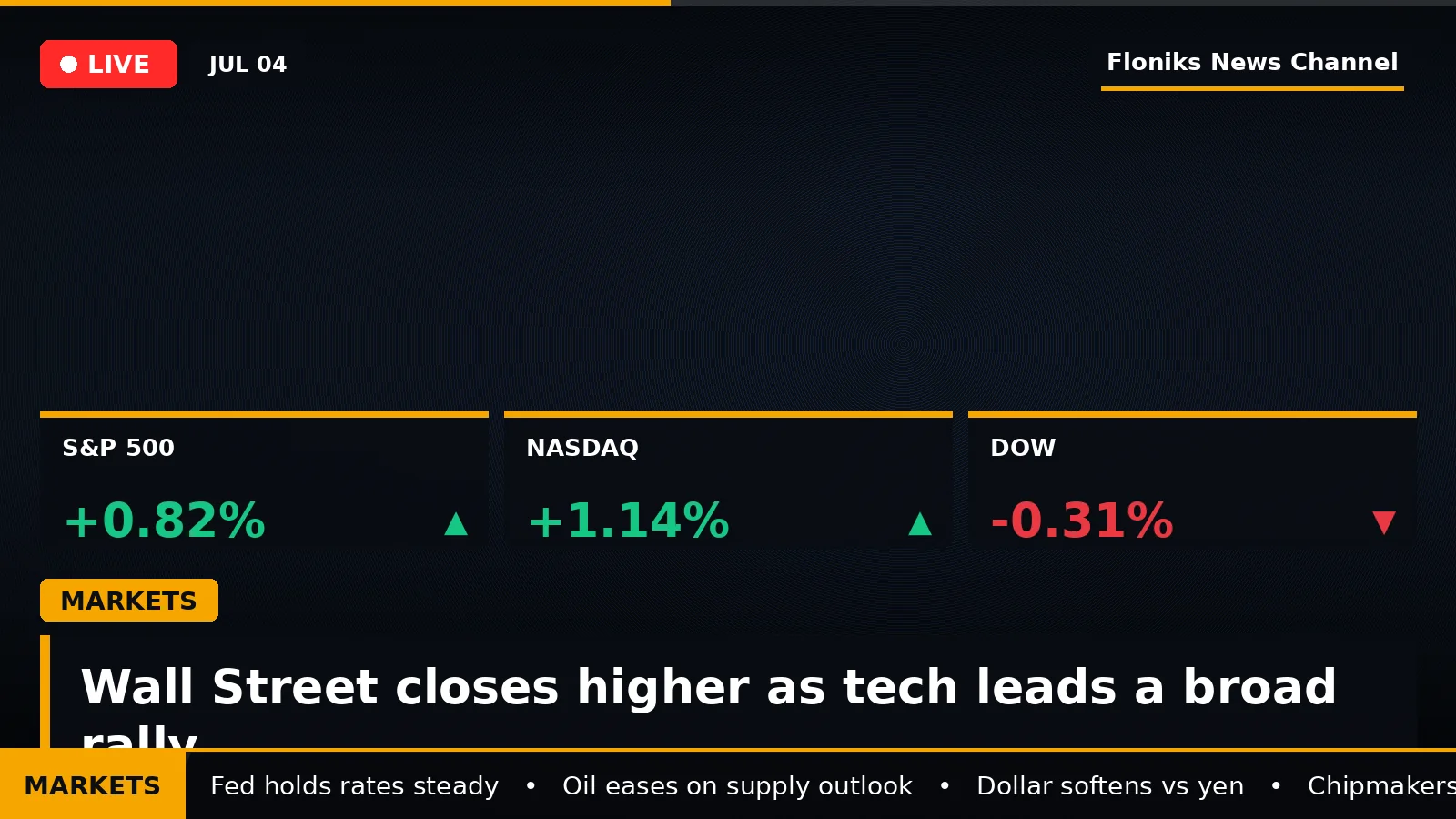
Every clip is a real newsroom layout — LIVE badge, category kicker, colored data bars, a ticker, and a fixed channel identity — rendered around AI facts and visuals.
Why we built it
Two frictions, really.
First, news is work to package. A daily market recap or a match report means gathering the numbers, checking they're real, writing a tight script, recording a voice, finding footage, laying on lower-thirds and a ticker, and cutting it to length. That's a small production every single day — the reason most people never start a news channel.
Second, the polished ones look expensive. The visual language of a real broadcast — the LIVE badge, the category color, the bold lower-third, the ▲▼ data bar, the crawl along the bottom — is what makes a clip read as news instead of a talking screenshot. Recreating that by hand, on schedule, is exactly what stops a good idea from shipping.
News Video Studio collapses the whole production into one field and a Generate button, and keeps the newsroom look built-in.
What actually happens when you make one
Behind the single Generate button, the pipeline runs in stages — and you can watch each one in the live log:
- It researches the facts. Floniks sends an agent to search the web and pull back real, sourced facts and figures — every number carries a source URL, and the model is instructed not to invent data. The same sourced-research approach powers our encyclopedia cards.
- It writes an anchor script. A constrained model turns the research into a short broadcast script, split into intro, scenes, and a sign-off — with numbers and dates written out the way an anchor actually reads them aloud.
- It voices it. Floniks TTS narrates each segment in an AI anchor voice — pick male or female, in English, Chinese, Japanese, Korean, Spanish, or French — so the clip sounds like a real bulletin, not a robot reading a paragraph.
- It scores and illustrates it. A background music bed is generated once and reused across the clip, restrained transition sounds bridge one segment to the next, and each scene gets its own AI-generated visual — rendered at the image quality you choose, Standard, High, or Ultra (progressively sharper) — matched to the story.
- It renders the broadcast. A canvas-and-ffmpeg renderer draws the newsroom graphics frame by frame — a pulsing LIVE badge, a category kicker (amber MARKETS, green SPORTS, red NEWS), a bold lower-third headline, ▲▼ up/down-colored data chips, a scrolling ticker, and a fixed top-right Floniks News Channel bug — then mixes the voice over the ducked music and closes on a branded end card.
- It checks itself. A final pass verifies the audio and video are the same length and the sound isn't clipping before the MP4 is saved.
When it's done, you get a playable clip plus the list of sources it was built from — so the facts are traceable, not taken on faith.
Did you know? Only two steps use a reasoning model — the research and the script. Everything after that is deterministic media generation, which keeps the clip fast, cheap, and consistent. The heavy lifting runs in the background, so you can close the page and come back to a finished video.
What it's good for
- A daily finance brief. Point it at the market close and get a portrait MARKETS recap — index moves as green/red data bars, a ticker of the day's numbers — ready to post before the next open.
- Sports recaps and match reports. Final scores, standings, and highlights as a SPORTS bulletin, turned around while the result is still fresh.
- Breaking-news shorts. A single developing story, packaged as a NEWS clip with a live headline and crawl, in the time it used to take to write the caption.
- Multilingual news for global feeds. Localize the reporting and narration to reach audiences beyond one language — useful for cross-border and overseas channels.
- A channel, not one-off clips. The fixed channel bug and consistent broadcast look turn a stream of daily videos into a recognizable, on-brand channel — customize the channel name and it's unmistakably yours.
Who it's for
- Solo creators and MCN teams running a daily news, finance, or sports channel who can't hand-produce a broadcast every morning.
- Finance and market commentators who want a repeatable MARKETS format with real, sourced numbers instead of a screen recording.
- Sports content accounts turning scores and standings into quick, professional recaps.
- Cross-border and overseas media that need the same story voiced for different language audiences.
- Brands and publishers building a channelized content matrix — a steady, on-brand news feed under one identity.
If you can name a story, you can ship a bulletin about it.
Every clip gets a public share page
A finished bulletin does nothing sitting in your history. Hit Share on any clip and Floniks mints a public page for it — a Floniks-branded landing page with a vertical player, the headline, and the story's sources. The page ships proper social preview cards, so dropping the link into X, WhatsApp, Telegram, or a group chat unfurls a real video thumbnail and title instead of a bare URL — a clip people can see and tap to play, not a link they scroll past. Those pages are public and crawlable, too, so an evergreen recap keeps pulling in search traffic long after you posted it. For anyone building a channel, that's the difference between a video and a video that spreads.
A real example, start to finish
Say you want tonight's US market recap.
- Open News Video Studio and type
Today's US stock market recap. - Set the domain to Finance, aspect to 9:16, and length to about 60 seconds.
- Hit Generate and close the tab. In the background, the agent researches the day's index moves with sources, drafts an anchor script, voices it in the language and voice you picked, scores it, and paints a visual for each beat.
- The renderer lays on the MARKETS kicker, the day's numbers as ▲▼ data chips, a ticker, and the LIVE badge, then mixes the voice over the music.
- A few minutes later: a finished 9:16 MP4 — your chosen anchor voice, broadcast graphics, your channel bug, and a source list — sitting in your history, ready to download, share, and post.
That's the whole loop. Type, generate, publish.
Frequently asked questions
How do I make a news video? Open News Video Studio, type a topic, pick a domain — Finance, Sports, or General — choose portrait 9:16 or landscape 16:9 and a length, then hit Generate. It runs in the background and, a few minutes later, hands you a finished broadcast-style MP4 with its sources attached.
Are the facts real, or does the AI make them up? Real. Floniks sends an agent to search the web and returns facts and figures that each carry a source URL, and the model is instructed never to invent numbers. The finished video comes with the list of sources it was built from, so every claim is traceable.
Whose voice is it, and can I change the language? It's an AI voice. Floniks narrates the script with an AI anchor — pick a male or female voice, in English, Chinese, Japanese, Korean, Spanish, or French — so the clip sounds like a real bulletin. There's no camera and no on-screen host to book; the "anchor" is the voice plus the broadcast graphics.
Where do the visuals and the newsroom graphics come from? The scene imagery is AI-generated and matched to each part of the story; the newsroom layer — LIVE badge, category kicker, lower-third headline, ▲▼ data bars, and the scrolling ticker — is drawn programmatically on top, in the color that fits the domain (amber for finance, green for sports, red for general news).
Can I make it my own channel? Yes. Every clip carries a fixed channel bug in the top-right, defaulting to Floniks News Channel, and the channel name is customizable — so a stream of daily videos reads as one recognizable, on-brand channel rather than scattered one-offs.
Portrait or landscape, and how long can it be? Both. Pick 9:16 for vertical feeds or 16:9 for landscape, and set the length — short bulletins or a longer segment. Portrait is the default because most news shorts live on vertical feeds.
How long does it take, and what does it cost? A few minutes, and it runs in the background — you can close the page and come back to a finished clip. Only the research and script steps use a reasoning model; the rest is media generation, so a typical clip lands in a predictable, modest credit range.
How do I share a finished video, and is the link public? Every clip has a Share button. It generates a public, Floniks-branded page with a vertical player, the headline, and the sources — plus proper social preview cards, so posting the link to a social app or a chat unfurls a video thumbnail and title rather than a bare URL. The page is public and crawlable, which makes it easy to spread and helps it get picked up in search.
Can I generate news videos through an API or MCP?
Yes. The generate_news_video MCP tool lets any MCP-capable assistant or agent create a bulletin from one line — a topic plus optional domain, aspect ratio, length, language, voice, quality, and text placement. It runs the same pipeline in the background and returns a task ID you can poll for the finished clip.
For developers: a bulletin from one line
Everything above is callable from an agent, too. In any MCP-capable assistant, the generate_news_video tool takes a topic — plus optional domain, aspect ratio, length, language, voice, quality, and where to place the on-screen text — and kicks off the same background pipeline, handing back a task ID to poll for the finished clip. It's the whole studio, driven from a sentence — handy for scheduling a daily recap or wiring news video into your own tools.
Start your own news channel
A news video used to be a daily production. Now it's a topic and a Generate button — sourced facts, an AI anchor voice in the language you choose, broadcast graphics, a public share page, and your channel identity, rendered while you do something else.
Pick a story worth covering and let the studio produce the bulletin. If you'd rather build the pipeline yourself node by node, the workflow editor chains the same kinds of steps by hand — or see how one click turns any spark into a finished creation with Make It Real.