
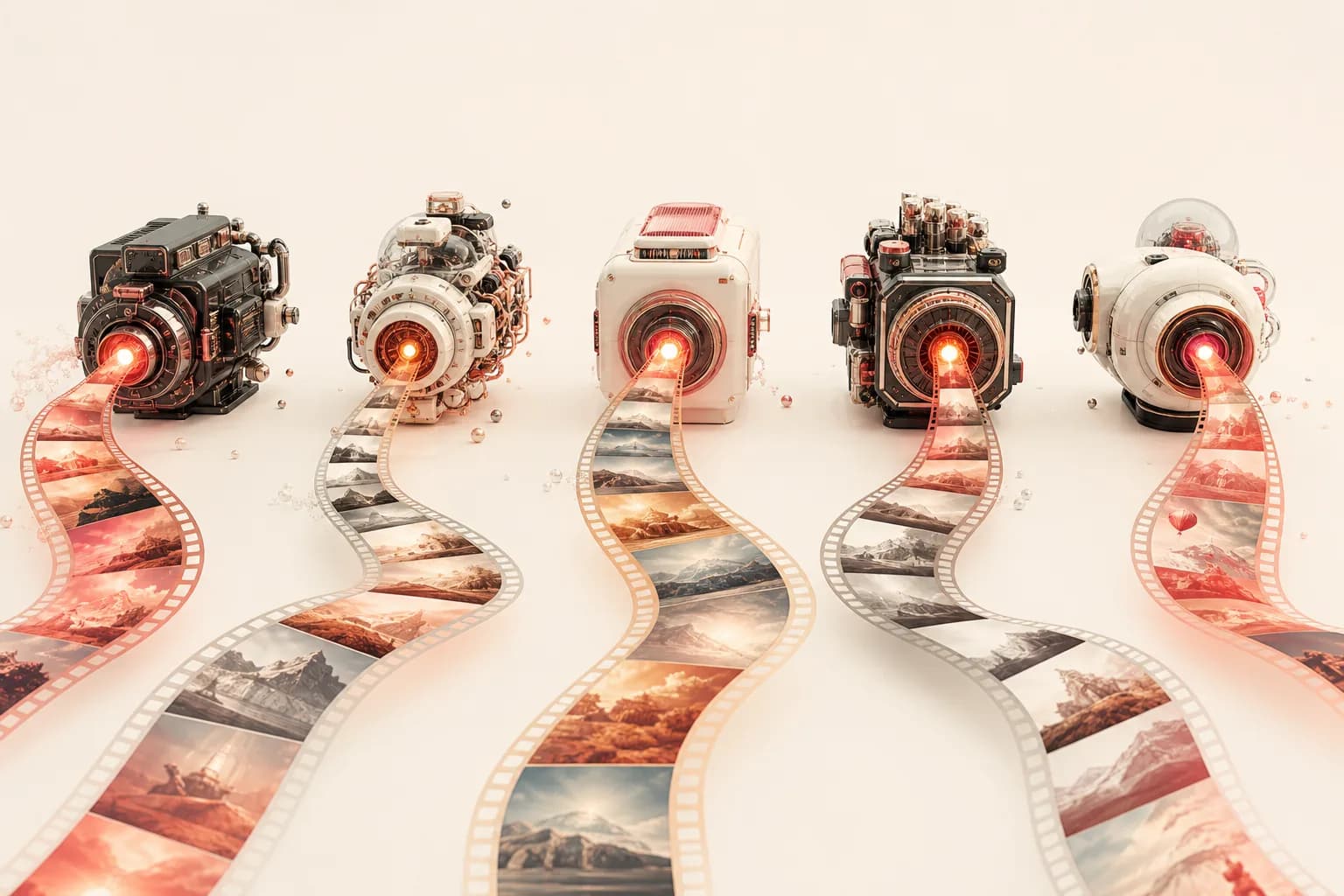
The question everyone asks — and why it's the wrong one
"Which is the best AI video model?" is the first thing almost every creator, founder, and content lead asks me. It's a reasonable question. It's also a trap. The honest answer is that there is no single best AI video model, and chasing one is the fastest way to make worse videos.
Here's the thing: "best" only means something once you attach it to a job. The best model for a reference-guided product shot is not the best model for a talking presenter, which is not the best model for a quick, lively social clip. Each model on the market was trained and tuned with different priorities — controllability, motion energy, lip sync, frame-precise editing — and those priorities show up in the output. A model that nails one of them will quietly underperform on another.
So the real competitive edge isn't picking the one model that wins everything. It's being able to pick the right model per shot, in one place, without re-learning a new tool every time. That's the argument I want to make in this piece, and it's exactly how Floniks is built: multiple providers and models living on a single canvas — FAL.ai, MiniMax, Hailuo, Volces, and APImart — so the question shifts from "which model do I commit to?" to "which model fits this shot?"
Why no single model wins
AI video generation isn't one task. It's a family of related tasks: text-to-video, image-to-video, single-image-to-video, audio-to-video, and lip sync. Each of those rewards different model strengths.
Think about what you're actually asking the model to do in each case:
- A text-to-video clip asks the model to invent everything from a prompt — composition, motion, lighting — so expressive, confident motion matters most.
- An image-to-video shot asks it to respect a still you already love and bring it to life without drifting away from your composition.
- An audio-to-video or lip sync job asks for something completely different: precise mouth and facial timing against a voice track, where a fraction of a second of drift breaks the illusion.
No team optimizes equally for all of these. The models that feel magical at reference-faithful, controllable generation make deliberate trade-offs that a fast, punchy motion model doesn't, and vice versa. That's not a flaw — it's specialization. The mistake is forcing one specialist to do every job and then blaming "AI video" when the results are uneven.
What the leading models are actually good at
Let me ground this in the models you can reach inside Floniks today, described by what they genuinely do well rather than by invented benchmarks.
Seedance 2.0 is the control specialist. It supports reference video, reference audio, video editing, and video extension. When you need the output to follow a reference — match an existing clip's look or motion, edit an existing video, or extend a shot you already have — Seedance 2.0 is built for that kind of controllable, reference-guided generation. It's the model I reach for when "close enough" isn't close enough.
Kling O3 Pro is about precise endpoints. It offers slotted first-frame and last-frame control plus element references. If you know exactly how a shot should start and end — a logo reveal that resolves on a specific frame, a transition that has to land on a particular pose — Kling O3 Pro lets you pin those anchors and generate the motion between them. That start/end precision is hard to fake with a free-running model.
Hailuo and MiniMax are the speed-and-energy options. They produce fast, expressive motion and are great for quick, lively clips — the kind of work where iteration speed and motion personality matter more than frame-exact control. When I'm exploring ideas or making short social content, these are where I start.
OmniHuman v1.5 is the talking-head specialist. It's an audio-driven lip sync model: feed it a portrait and a voice track and it generates a person speaking, with mouth and expressions synced to the audio. For presenters, avatars, and any "person talking to camera" use case, this is the right tool — and a general motion model simply isn't built for it. We go deep on this in our talking avatars guide.
The comparison at a glance
| Model | Best for | Standout capability |
|---|---|---|
| Seedance 2.0 | Controllable, reference-guided shots | Reference video & audio, video editing, video extension |
| Kling O3 Pro | Precise start/end control | Slotted first-frame / last-frame + element references |
| Hailuo / MiniMax | Quick, lively clips | Fast, expressive motion |
| OmniHuman v1.5 | Talking presenters & avatars | Audio-driven lip sync |
Read that table as a routing guide, not a leaderboard. Nobody "wins." Each row is a different question you might be asking.
Which model for which job
When people corner me for a quick rule of thumb, here's the short version I give:
- Need a shot to follow a reference, or to edit/extend existing footage? Reach for Seedance 2.0.
- Need the clip to start and end on exact frames? Use Kling O3 Pro and pin your first and last frames.
- Want quick, expressive motion for social or ideation? Go with Hailuo or MiniMax.
- Making a person speak to camera? That's OmniHuman v1.5, audio-driven lip sync.
Notice that none of these decisions require you to abandon the others. The whole point of working in one place is that switching specialists costs nothing — you change a model selector, not a subscription.
The real unlock: orchestration, not one model
Picking the right model per shot is good. Chaining several right models into one pipeline is where the work gets genuinely better.
This is what the workflow editor is for. Instead of forcing a single model to do everything, you wire a sequence of specialists, each doing the one thing it's best at. A typical production chain looks like this:
- Clean the source still with an image-to-image pass — sharpen, relight, tidy the background.
- Animate it with whichever video model fits the shot — Seedance 2.0 for a reference-faithful move, Kling O3 Pro when the endpoints matter, Hailuo or MiniMax for fast motion.
- Lip-sync a presenter with OmniHuman v1.5 if the shot involves someone speaking.
- Add subtitles with a subtitle overlay node so the clip works in muted social feeds.
Because the editor runs as a DAG — a connected graph of nodes — you build this once and reuse it for every video. Each step uses the best tool for that step, and no single model is asked to be a generalist. If you want the deeper argument for why this beats firing off isolated prompts, read why workflows beat one-off prompts. For the mechanics of bringing a still to life, our image-to-video guide is the place to start.
Low-risk experimentation changes the calculus
There's a practical reason "try several models" is advice you can actually follow on Floniks rather than a luxury: failed generations refund credits automatically. You're never charged for a result you didn't get.
That single reliability detail quietly transforms how you choose models. It means you can A/B the same prompt across two or three models, compare the outputs side by side, and keep the one that wins — without paying a tax for the ones that didn't fit. The "best model for this shot" stops being a guess you commit to up front and becomes something you discover by trying, cheaply. Over a few projects, this is how you build real intuition for which specialist to route each kind of shot to.
It also removes the strongest argument for single-model lock-in. Lock-in usually survives because switching feels expensive. When experimenting is low-risk and every model lives on the same canvas, there's simply no reason to marry one provider.
How to actually decide
If you're a content lead or founder choosing how your team works, here's the framing I'd leave you with. Don't shop for the one model to standardize on. Shop for a platform that gives you the specialists and the orchestration to route work between them. Then let each project teach you which model fits which shot.
Start simple: open AI Video, pick the model that matches your job from the guide above, and generate. When you outgrow single shots, move into the workflow editor and chain specialists into a pipeline you can reuse. And when you're producing at volume, the pricing page will help you match a plan to your output.
The teams that win at AI video aren't the ones who found a mythical best model. They're the ones who stopped looking for it and got good at picking the right tool, shot by shot.
Frequently Asked Questions
What is the best AI video model?
There isn't a single best AI video model — the right choice depends on the job. Seedance 2.0 excels at controllable, reference-guided generation; Kling O3 Pro is best when you need precise first-frame and last-frame control; Hailuo and MiniMax shine for quick, expressive motion; and OmniHuman v1.5 is the model for audio-driven talking presenters. On Floniks you can reach all of them in one place and pick per shot.
Can I use multiple AI video models in one project?
Yes. Floniks puts multiple providers and models — FAL.ai, MiniMax, Hailuo, Volces, and APImart — on a single canvas. In the workflow editor you can chain them into one pipeline: clean a still with image-to-image, animate it with one model, lip-sync a presenter with OmniHuman v1.5, and add subtitles, each step using the best tool for that step.
How do I compare AI video models without wasting money?
Because failed generations refund credits automatically on Floniks, you can A/B the same prompt across several models and keep the best result without paying for the ones that didn't fit. Run the shot through two or three models, compare side by side, and let the output decide — it's a low-risk way to learn which model suits which kind of shot.
Which model should I use for a talking presenter?
For a person speaking to camera, use OmniHuman v1.5, an audio-driven lip sync model. You provide a clean front-facing portrait and a voice track, and it generates a video of that person speaking with mouth and expressions synced to the audio. General motion models aren't built for this; see our talking avatars guide for the full walkthrough.