
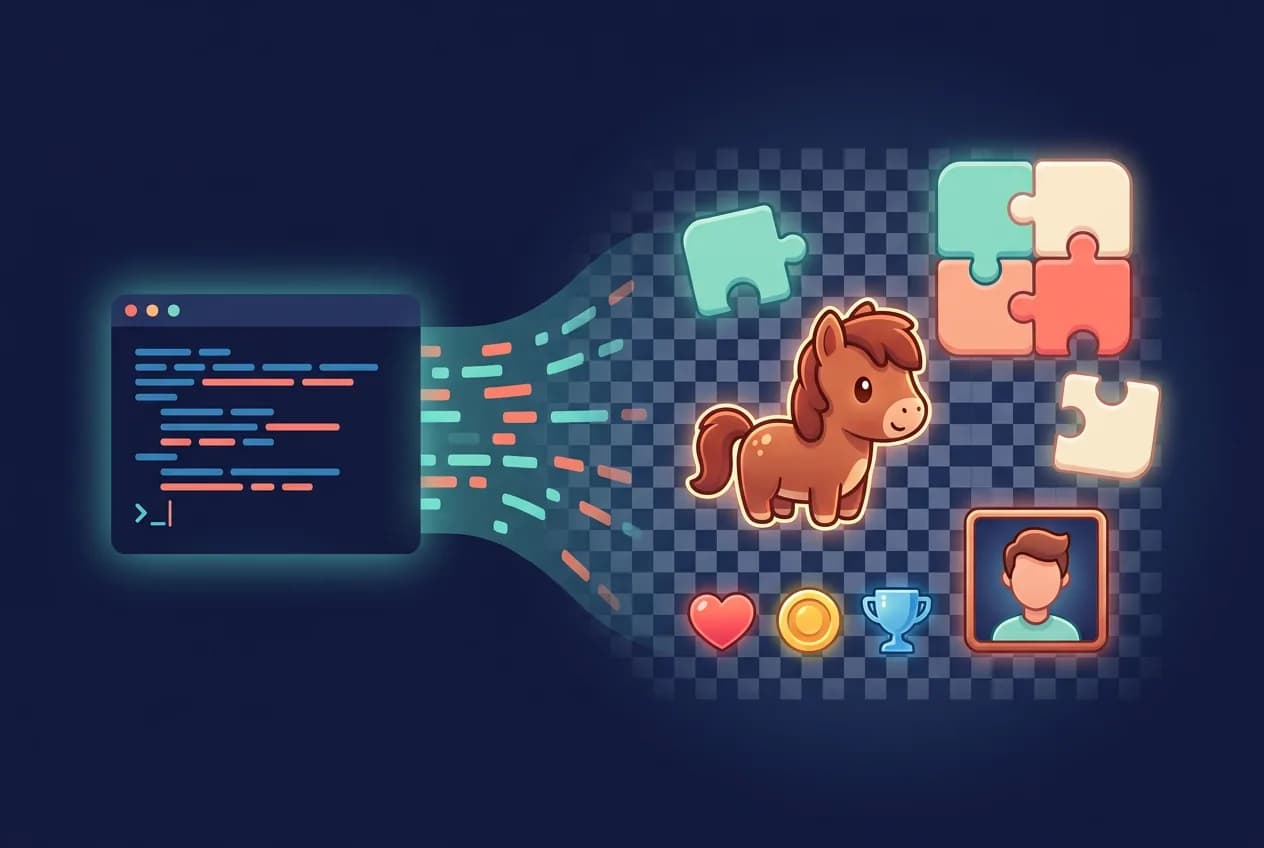
If you build games with Claude Code, the fastest way to solve art assets is to give the agent a generation platform as a tool: connect Floniks over MCP with one command, lock your art style in a reusable "style bible", describe every asset in a declarative manifest, and let the agent generate, cut out, resize, and place each file into your project — no drawing, no drag-and-drop, no prompt engineering. This guide is the complete pipeline, proven by a 12-game collection whose every sprite, portrait, icon, and soundtrack was generated this way.
The problem: code is solved, art is the bottleneck
An agent writing gameplay code is no longer news. What still stalls most Claude Code game projects is everything visual: the hero sprite, the tileset, the HUD icons, the character portraits. The usual answers — buy an asset pack, learn pixel art, generate images in a web UI and drag them in by hand — all break the thing that makes agent development fast: the loop stops every time a human has to ferry a file.
The fix is architectural, not artistic: make generation a tool the agent calls, and make your project accept assets by convention. Then art becomes just another thing the agent does between writing code and running tests.
Step 0: one command connects the asset factory
Floniks exposes its generation models — text-to-image, image-to-image, background removal, text-to-music, image-to-video and more — as an MCP server. Registering it with Claude Code takes one line:
claude mcp add --transport http floniks \
  https://api.floniks.com/api/v1/mcp \
  --header "Authorization: Bearer mk_YOUR_API_KEY"
From that moment, "generate a sprite" is a tool call the agent makes mid-session, exactly like running a test. Results come back as URLs; the agent downloads, post-processes, and saves them into your asset folders itself.
Step 1: lock the style before generating anything
The number-one failure mode of AI game art is inconsistency — ten assets in ten styles. The cure is a style bible: a small, executable prompt template that pins the palette, outline weight, shading, view angle, and background rule once. Every asset prompt is then just the subject dropped into that template.
In our open-source reference project this is a script (style_bible.py) that wraps each subject in the same locked description: cute rounded shapes, warm pastel palette, thick soft outline, transparent background, single subject, centered. Ten HUD icons generated on different days still look like one artist drew them.
Step 2: describe assets declaratively, not conversationally
Next to the style bible sits a manifest — a JSON list where every asset declares its filename, pixel size, and subject line:
{ "file": "pony.png", "size": [48, 48],
  "subject": "a cute chibi pony, chestnut body, cream blaze, side view" }
The engine loads assets by filename and size, so the contract is complete: anything that lands at assets/textures/pony.png at 48×48 just appears in the game, zero code changes. The manifest is diffable, reviewable, and — critically — replayable.
Step 3: the generation loop the agent runs
For each manifest entry, the agent executes the same four moves:
- Generate — text-to-image with the style-bible prompt;
- Cut out — background removal (BiRefNet) for a true alpha channel, because "transparent background" in a prompt is a suggestion, not a guarantee;
- Fit — resize to the exact declared pixel dimensions;
- Place — save to the declared path, where the engine picks it up by name.
No step needs a human. In our project the whole loop — including hot-reloading the running game to see the new art — happens inside one Claude Code session.
Step 4: the harder asset classes
Sprite sheets and tilesets. Generate one image containing a grid of frames or tiles, slice it with a script, and let the engine address frames by index. Uniform frame size is the only contract.
Character portraits with expressions. Generate one text-to-image base per character to lock the face, then derive emotion variants with image-to-image — same face, only the expression moves. This is how our visual novel got three witnesses × three expressions with perfect identity consistency (full build log).
Skeletal animation parts. For cutout rigs, generate each body part as its own transparent image, and declare a pivot point per part in the manifest. The rig itself is JSON the agent writes directly — no Spine editor, no license.
Beyond images. The same MCP connection covers music (text-to-music scored both our puzzle game and our visual novel), voices (TTS with one pinned voice per character), and even the 15-second gameplay trailer (real assets rendered to keyframes, then image-to-video).
Step 5: regenerate without fear
Because prompts live in the style bible and specs live in the manifest, regeneration is free: don't like the rock? Re-roll one entry. A stronger image model ships? Change one model ID and replay the whole manifest — the entire game reskins itself while the code sleeps. This is the practical difference between "generation wired into the build loop" and "generating in a web page and dragging files over."
Proof it works
This is not a proposal. A 12-game collection — puzzle, visual novel, sandbox, shooter and more — shipped with every asset generated through this pipeline, playable in any browser via WebAssembly. Read the build logs: a puzzle game from one screenshot, a visual novel from one sentence, and nine playable engine benchmarks with zero human assets.
Questions and answers
How do I connect Claude Code to an image generator?
Register a generation platform as an MCP server. With Floniks it is one command: claude mcp add --transport http floniks https://api.floniks.com/api/v1/mcp with your API key in the Authorization header. The models then appear to the agent as callable tools.
How do I keep the art style consistent across many assets?
Lock style once in a reusable prompt template (a "style bible") that pins palette, outlines, shading, and view angle, and only vary the subject per asset. For characters, lock identity with one base image and derive variants via image-to-image.
How does generated art get into the game without manual work?
By convention: a manifest declares each asset's filename and pixel size, and the engine loads assets by filename. The agent generates, removes the background, resizes to spec, and saves to the declared path — the game picks it up with zero code changes.
Can this produce sprite sheets and animations?
Yes. Generate a uniform grid image and slice it by frame size for sheet animation, or generate transparent body parts plus a JSON rig for cutout skeletal animation — both are addressed by simple engine contracts.
What happens when better models come out?
You replay the manifest with a new model ID. Because every asset's prompt and spec are stored as data, upgrading the model regenerates the entire library in place without touching the architecture.
Start by wiring Floniks into Claude Code at /developers/mcp, or see the seven-step method these pipelines belong to in the series overview.